
Print once. Update anytime. Track every scan.
Xcan It lets you create dynamic QR codes, change their destination whenever you like, and see simple scan counts—no devs needed. Perfect for campaigns, assets, and signage.
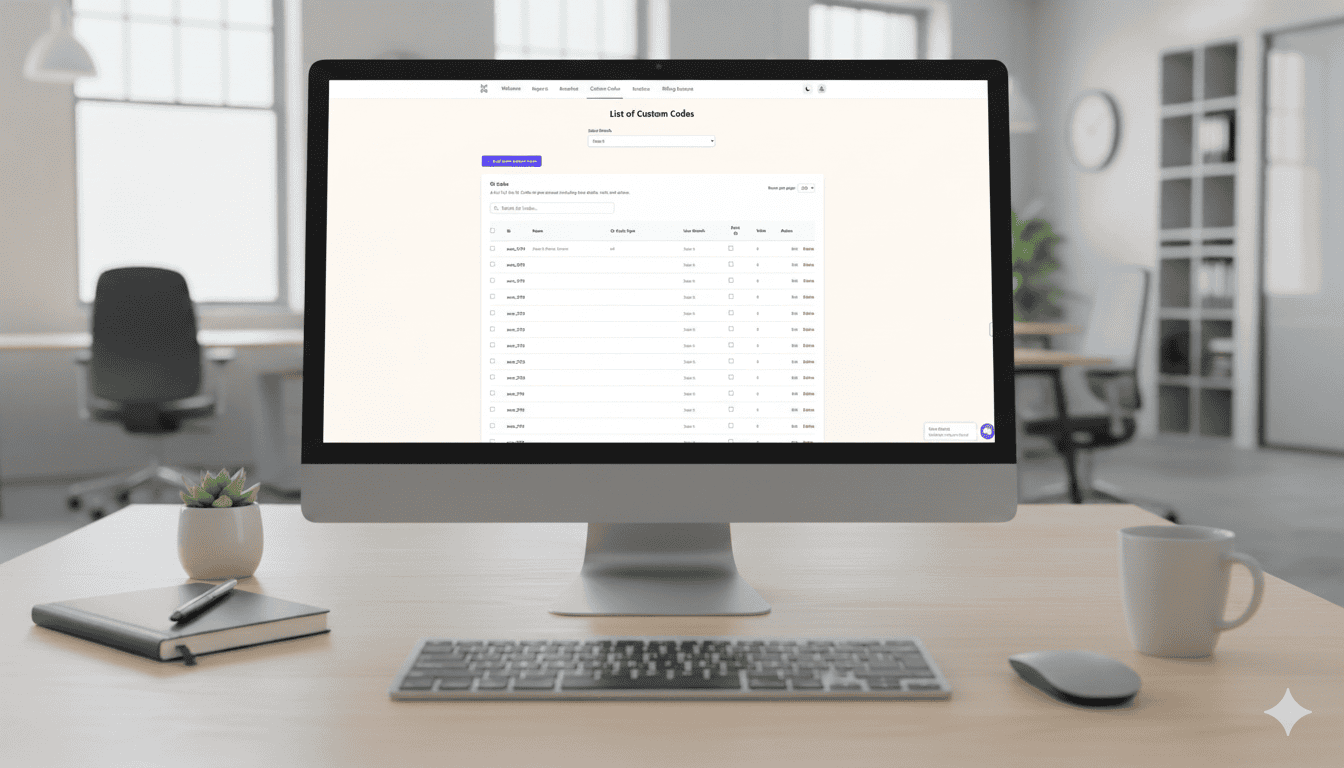
At a glance
1) Make codes
Create one or many QR codes in seconds from your dashboard. Give each code a label so it’s searchable later.
2) Point anywhere
Paste the link you want to open—website, PDF, form, video. Change it anytime without reprinting.
3) Track scans
See a simple click counter per code. Compare windows, boards, flyers, or venues at a glance.
The simple step-by-step
- Open your dashboard → Go to Custom Codes and click Add more Custom Codes. Choose how many to create (one, five, twenty—your call).
- Name the code → Add a clear label (e.g., “Leaflet A5,” “Stand 12,” “Window display”). Keeps everything searchable later.
- Paste your destination → Add the URL you want the code to open (web page, PDF, form, video). Save.
- Style it to your brand → In Settings → Edit QR Code Template, set dot shapes, eye styles, brand colours, optional frame text, logo, size/margins, and 30% error correction for reliability.
- Choose to print the ID (or not) → Use the default branch setting to print or hide the code ID beneath the QR; override per code when exporting.
- Export for print or digital → Download PNG or PDF for signage, stickers, windows, menus, flyers, or slides.
- Test on your phone → Scan before you ship. Update the link anytime—no reprint needed.
- Add seats and branches (optional) → Give teammates their own login, set a unique branch prefix for code IDs, and manage access centrally.
Print now, link later
Running a campaign or printing at scale? Generate and print the QR codes today—then assign or update destinations whenever you’re ready. Your physical media never goes stale.
- One code, many lives — Reuse a code across seasons or properties by changing its link.
- Zero waste — No reprint if a URL changes; just update the destination.
- Fast rollouts — Ideal for events, signage, asset labels, menus, and prospectuses.
Control, roles, and reliability
- Role-based access — A super user can add seats, control branches, and govern who edits codes.
- Dynamic by design — Update or disable any code instantly from the dashboard.
- Solid scannability — Use high error-correction and proper margins for robust printing.
FAQs
Do I need a special app to scan?
No—most phones scan with the built-in Camera app. Just point and tap the banner.
Can I change a code after printing?
Yes. Xcan It codes are dynamic. Update the destination anytime without reprinting.
What analytics do I get?
A clear click counter per code so you can compare placements (e.g., window vs. flyer vs. board).
Can I show or hide the printed ID under a QR?
Yes. Set a branch-level default to print or hide IDs, and override per code at export.
How do teams work?
Add seats so teammates get their own login. Super users control access across branches.
What file formats can I export?
PNG and PDF are supported, suitable for both digital use and print production.
Start free
Create up to 10 QR codes on the free plan. Upgrade anytime for more codes, deeper analytics, or team features.